Posts

Showing posts with the label How to

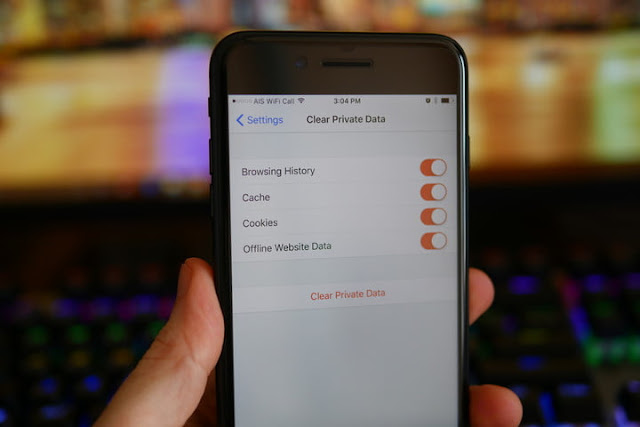
How to Delete History on iOS Device
Image
Your iOS device has a lot of history regarding whatever you do in your web browser. This is to make things simpler for you, like tracking down a site you have to go through or searching a call you missed. If you are worried that someone will see your browsing history that they should not, you can delete the history for different services on your iOS, or clear everything completely. There are three methods of clearing history on an iPhone: Browsing History in Safari Go to the Settings applications. You will delete your browsing history from the setting applications, but not from the app like Safari. You can clear your browsing history in Safari, and this will not delete any details or cookies. Deleting your browsing history by the Setting application, this will show that all the things are removed. Go down and click “Safari.” You will get this in the fifth group of options. Go down in the Safari menu list and click “Clear History and Site Data”. A display will ask t...

How to Leave a Facebook Group

Image
Facebook Group is pretty useful if it correlates you in some way, be it professional or personal. But sometimes some random group or the group which you’re not relatable to you added you in the group and that’s when they get into your nerves and also very time-consuming.Thankfully, the process to leave a group on Facebook is as easy as joining one. You can easily exit from a Facebook group, if it no longer serves your purpose, or for privacy concerns. You can exit Facebook groups from computer as well as mobile phones. These are some steps to leave a Facebook group. On Android and iOS Devices Log in to your Facebook account Press the lower right corner of your screen if you are using iOS or hit the upper right corner of the screen if you are Android users. Press “Groups”- This you’ll find in the “EXPLORE’ categories of options –    Users have to scroll down to see this option Choose the group you wish to leave – Press a group to launch its page...